
A digital phone line with your broadband
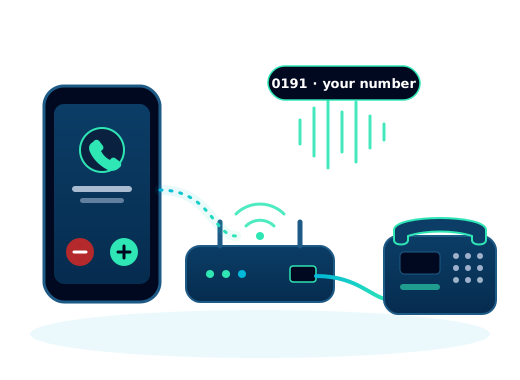
Keep your number or get a new one, and make calls from your own phone, our app, or a phone from us. It works over your full fibre broadband, for the same term, with one bill.
-
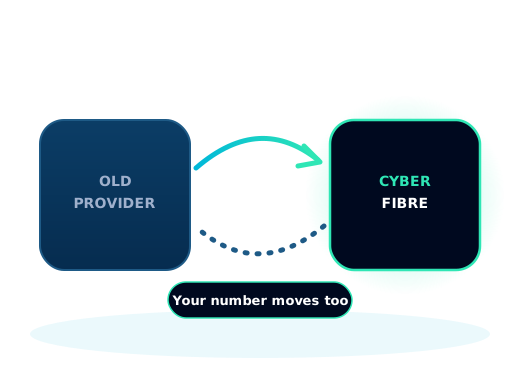
Keep your numberWe transfer it from your current provider when you order.
-
Calls on any deviceUse our app, your own phone, or a phone from us.
-
One billAdded to your broadband, for the same term.
-
Protected from surprise billsInternational and premium rate calls blocked to start with.
Choose a phone plan
Pick a plan when you order your broadband. You can see every call in your online account.
Business phone plans
Prices ex VAT, added to your broadband. Choose a plan when you order.
- 1 direct dial business number
- iOS, Android, PC and Mac apps
- Voicemail to email
- Call forwarding and divert
- Emergency address registered
- Everything in Office Line
- 2,000 inclusive UK landline and mobile minutes
- 30 day call recording and voicemail transcription
- Business hours and call routing
- Call transfer
- We configure your setup
Home phone plans
Prices inc VAT, added to your broadband. Choose a plan when you order.
- 1 UK landline number
- Apps for iOS, Android, PC and Mac
- Voicemail to email
- Caller ID and call waiting
- Call forwarding and divert
- No outgoing calls included
- Everything in VoIP Extension
- 250 inclusive UK outgoing minutes a month
- Call recording (last 30 days)
- Hold music and call transfer
- 3 way conference calling
- Everything in VoIP 250
- 2000 UK landline and mobile minutes
- 30 days call recording
- Priority UK support
- Up to 3 simultaneous calls
Ways to make and take calls
Make and take calls on your mobile, tablet or computer.
Plug it into a router with a phone socket, set up before it arrives.
Ready to plug in when it arrives.
On plans that offer it, if you only want to receive calls.
Bring your number with you
Choose "Keep my number" when you order and we transfer it from your current provider. We aim to move it on the day your broadband goes live; if your broadband is live first, we can send calls to your mobile until the transfer completes.
Transfer fees are in our price guide. Moving off an old copper line? Read about the landline switch off.
Calls and charges
Calls included in your plan cost nothing extra. Other calls are charged at our call rates. International and premium rate calls are blocked to start with, to protect you from unexpected bills, and you can see every call in your online account.
Power cuts and 999
Calls to 999 and 112 are free. A digital phone line will not work in a power cut unless you use our app on a mobile with its own signal. If you rely on your landline, for example for a telecare alarm, tell us when you order and we will help. Read more about power cuts.
Phone systems for teams, from Virtual Voice Office
Each Cyber Fibre broadband connection can have one phone line with one number. For a team that needs several numbers, desk phones or call routing, our sister brand Virtual Voice Office builds business phone systems. It is the same Sunderland team, part of the Cyber Fits group.

Good to know
Can I keep my phone number?
Yes. Choose "Keep my number" when you order and we transfer it from your current provider. We aim to move it on the day your broadband goes live.
Do I need a phone socket?
No. You can use our free app on your mobile, tablet or computer, plug a phone into a router that has a phone socket, or use a phone or adapter from us.
Will my phone work in a power cut?
A digital phone line needs your broadband and mains power, so it will not work in a power cut unless you use our app on a mobile with its own signal. If you rely on your landline, tell us when you order and we will provide a way to call 999 in a power cut, free.
How many phone lines can I have?
One phone line with one number comes with each Cyber Fibre broadband connection. For a team that needs several numbers or phones, our sister brand Virtual Voice Office builds business phone systems.
Are calls to 999 free?
Yes. Calls to 999 and 112 are always free. We register your address so the emergency services know where to send help.
Check your address
See the broadband packages at your address, then add a phone line at checkout.